Markets
SPY5,248.32+0.35%
QQQ18,432.10+0.52%
BTC98,420+1.27%
ETH3,812-1.10%
NVDA952.30+1.36%
AAPL178.42-1.19%
TSLA168.90+2.62%
EUR/USD1.0892-0.21%
GC2,342.50+0.36%
CL82.15+1.17%
SOL178.50+3.36%
DXY104.82+0.14%
SPY5,248.32+0.35%
QQQ18,432.10+0.52%
BTC98,420+1.27%
ETH3,812-1.10%
NVDA952.30+1.36%
AAPL178.42-1.19%
TSLA168.90+2.62%
EUR/USD1.0892-0.21%
GC2,342.50+0.36%
CL82.15+1.17%
SOL178.50+3.36%
DXY104.82+0.14%
0
tf/algorithms•Posted by u/lemmae33e2b••1 min read

Modifying an Existing Script

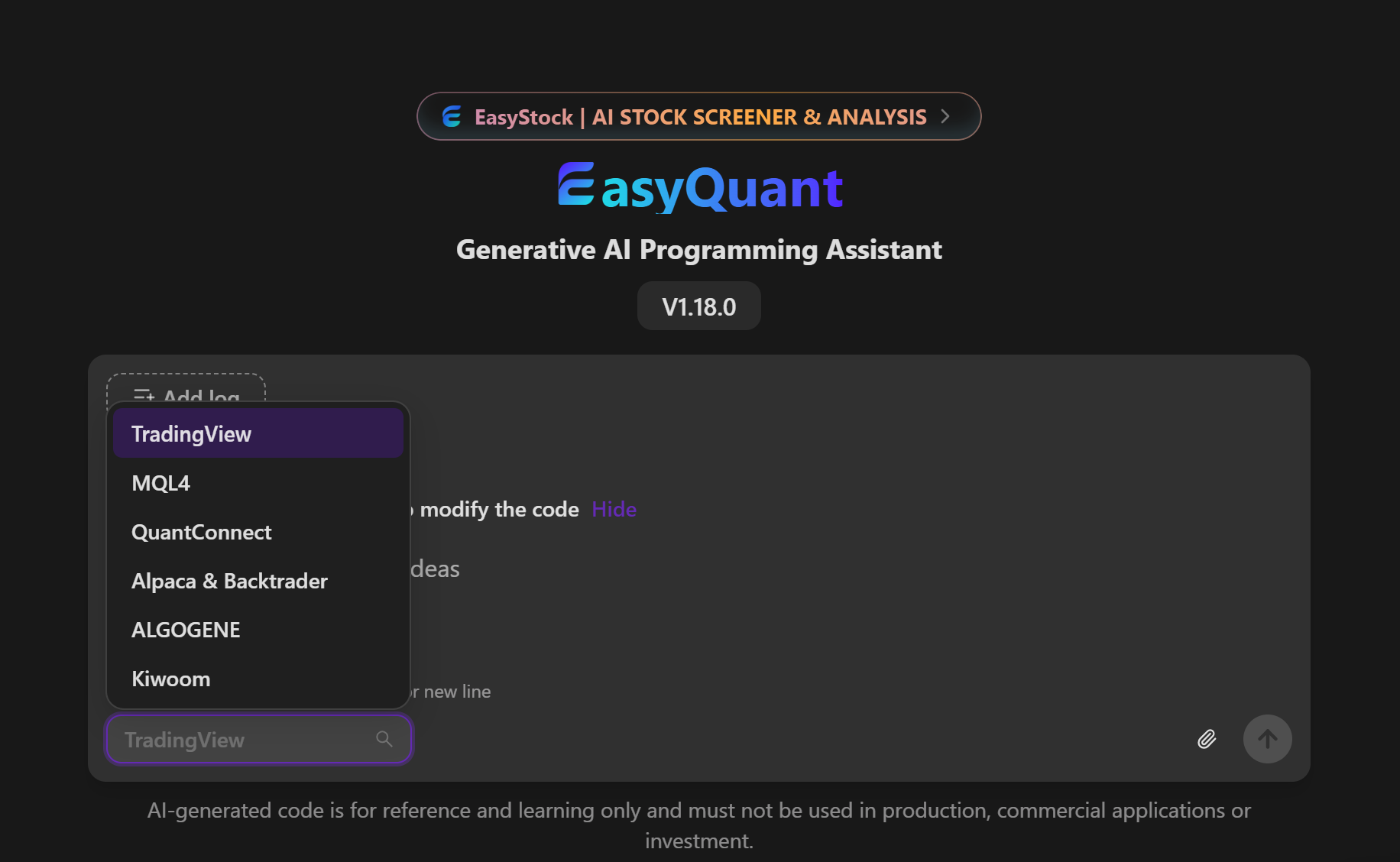
When you already have a trading script, you often only want to change a small part of it, such as adjusting an entry condition, adding an alert, or understanding why the code produces an error. EasyQuant can help revise or explain the code based on your description, and it can also generate a new strategy from a written description. For an existing script, it is best to specify which behavior should change and which parts should stay the same, then review the changes before testing again. What takes you the most time when editing a TradingView script: finding the relevant logic, fixing errors, or checking that a change has not affected other signals? Feedback is welcome. https://tradingviewai.dev
2026-10-14 113616.png

1 Comment

Connectez-vous pour laisser un commentaire

Sort by:
lemmae33e2bOP·

One way to use EasyQuant is to describe a small change to an existing Pine Script, like adding an alert, while specifying which signals should stay the same. It can help explain and revise the code, but you still need to compare the results and test it yourself. What’s usually harder for you: describing the change or checking its effects?

0